#05: Always See the Full Picture
5 real-world use cases that show how PLANFRED lets you know at any time who got which plan and when, and what else is happening on site.
Who downloaded a plan or document, and when? That question matters in every project phase, and even years later. Without the right tool, it's hard to answer. With PLANFRED, you get the answer in seconds. Whether you're sending out tender documents, locating defects, or closing out a project.
5 Use Cases in Detail
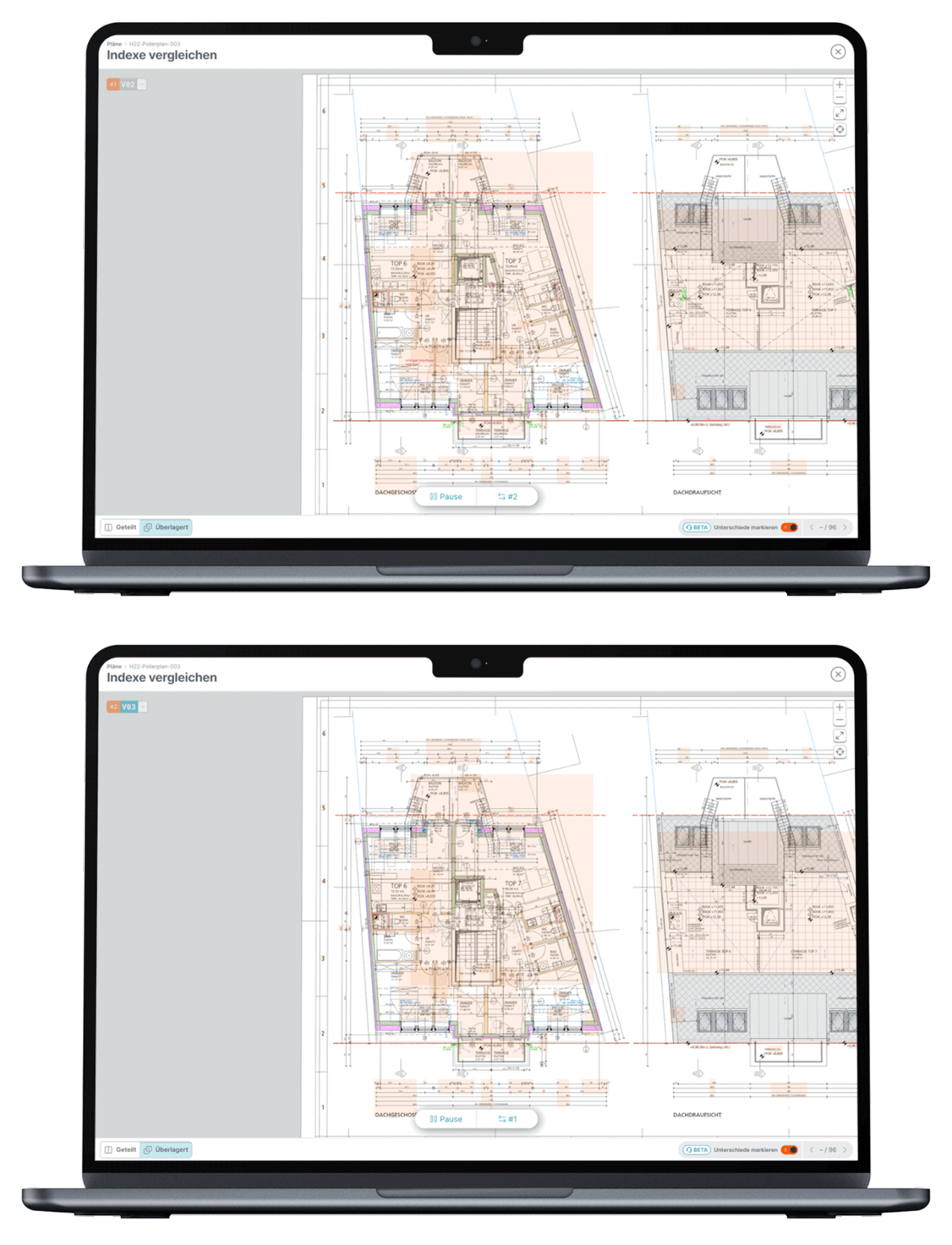
Plan distribution: As soon as a new plan is uploaded, the plan distribution list automatically notifies the right companies. The endless email back-and-forth is history.
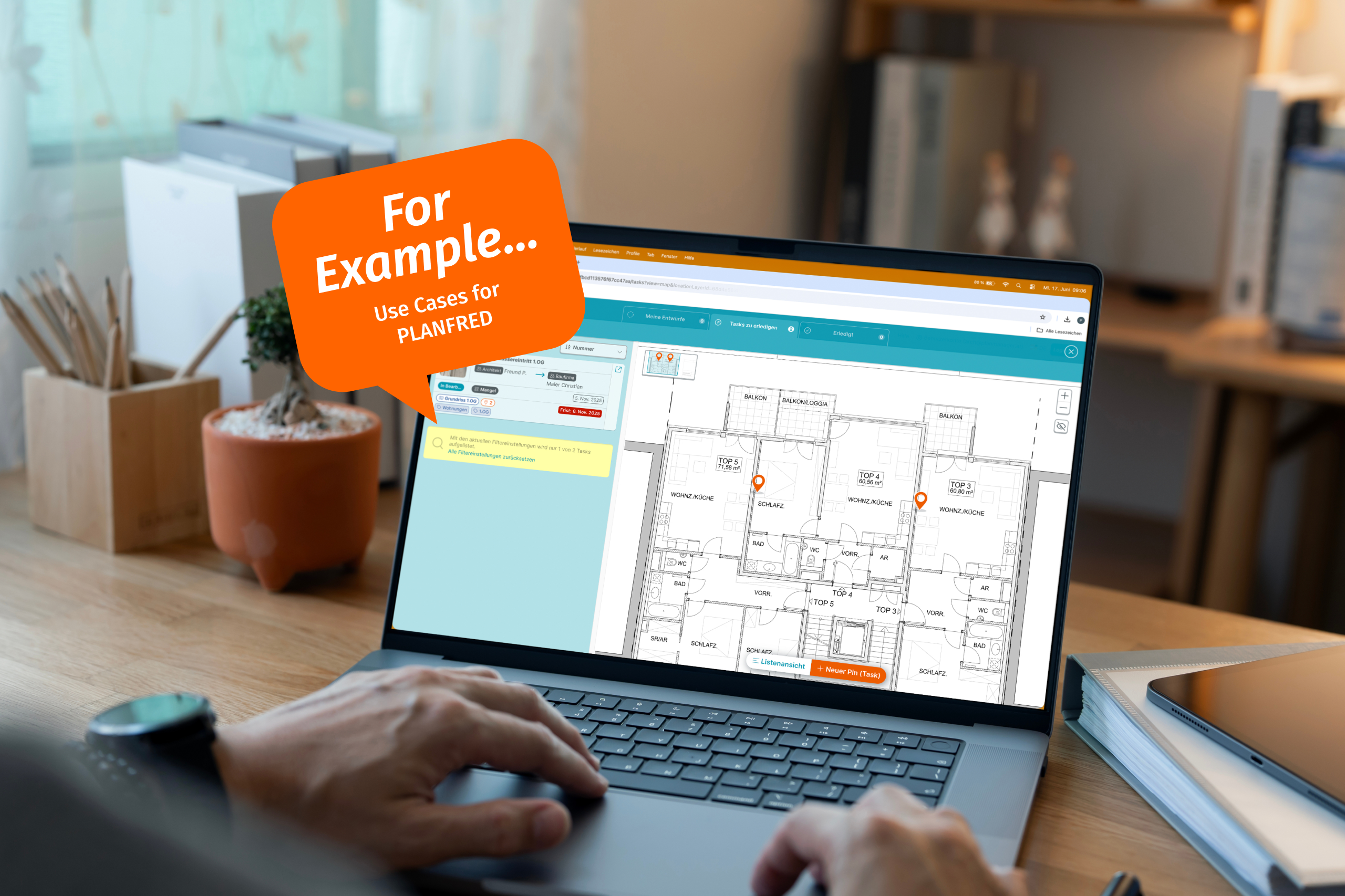
Defect location: A defect can be marked directly on the plan in PLANFRED and assigned to a company. Once it's fixed, just check it off. Done!
Tender distribution: Tender documents can be bundled into a package of any size and sent to all bidders in no time. PLANFRED automatically documents who received and downloaded what, and when.
One-click project closeout: When the project is finished, nobody has to dig through ten different folders for plans anymore. With one click, the client or facility management gets complete documentation with all plans, revisions, and the full history. Simple and audit-proof, even years later.
360° photos: With the new feature, you can take 360° photos and save them right away. For even better documentation!
Five features, one principle: In PLANFRED, it's always clear who received, edited, or documented what, and when.